3,766 views157 copies
0Prompt
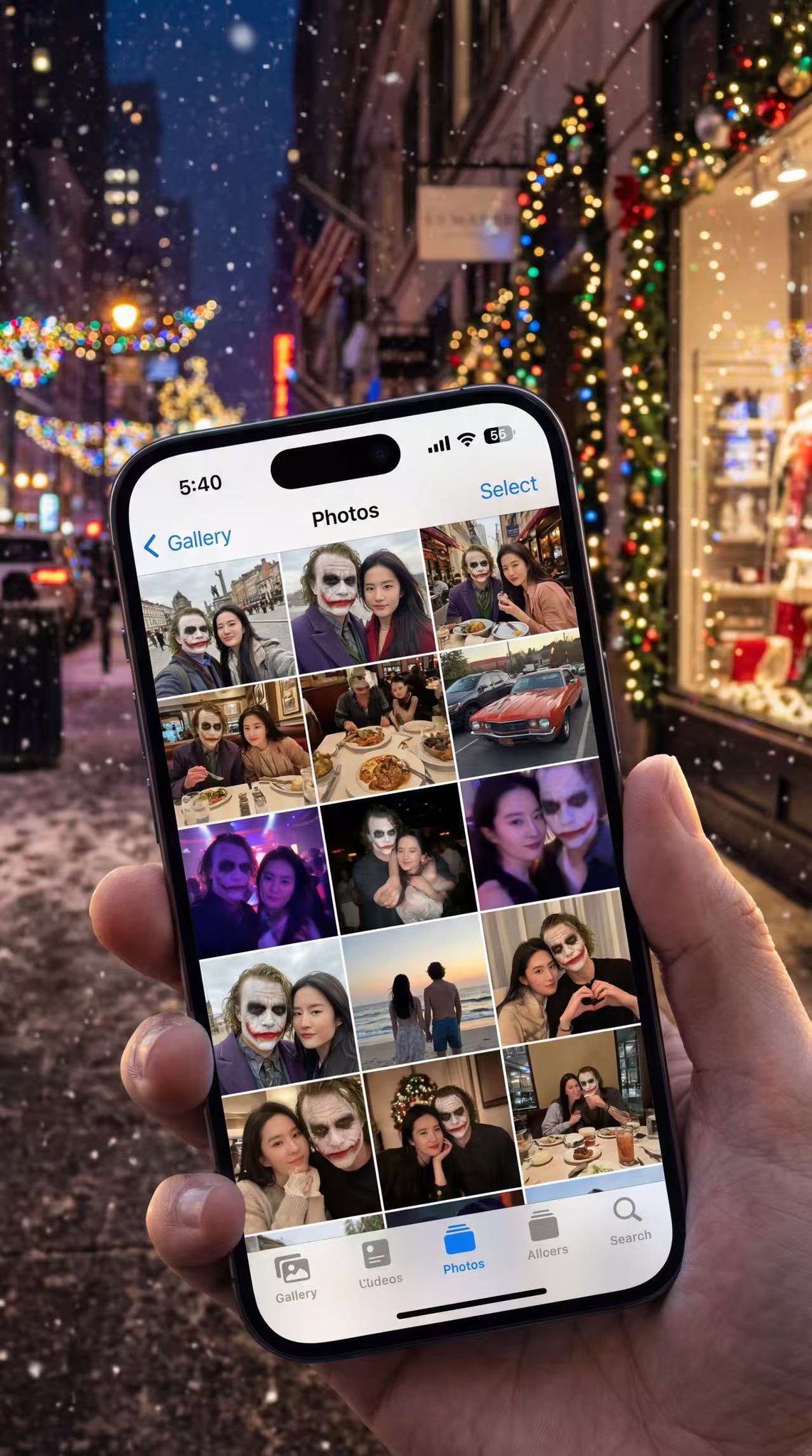
Based on [Reference Photo Subject]. An extremely realistic close-up photo of a hand holding an iPhone 15 Pro. The screen is lit, displaying the grid view of the Apple iOS "Photos" app gallery. The densely packed thumbnails on the screen are a very natural, unfiltered record of a couple's life (based on [Reference Photo Subject]). The content is highly diverse: there are scenic couple photos from outdoor trips, candid shots of dining at restaurants, playful selfies in the car, blurry photos from nightclubs or concerts, back views at the seaside, and of course, some cozy moments at home. The lighting, colors, and styles of the photos vary, looking very authentic and vivid. The background is a blurred, bustling city night scene, filled with Christmas decorations. Large stretches of street Christmas lights, blurred falling snowflakes, and festive displays in distant mall windows can be seen in the background. The lighting is even more colorful and rich, creating a lively atmosphere of going out during Christmas.
You may also like
View all





Frequently Asked Questions
What is the "Grid View of Apple iOS Photos App Gallery" prompt used for?
This food prompt is designed for AI image generation. It helps create food results and is optimized for Nano banana pro.
How do I use this prompt?
Simply copy the prompt, then paste it into your preferred AI image generation tool. You can customize settings like aspect ratio, style, or negative prompts to refine the result.
Which AI tools work best with this food prompt?
This prompt is specifically optimized for Nano banana pro, but it also works well with other popular image tools.
Can I modify this prompt?
Absolutely. You can customize the prompt to match your creative direction, add or remove elements, refine style descriptors, or combine it with other prompts for unique results.