4,752 views343 copies
0Prompt
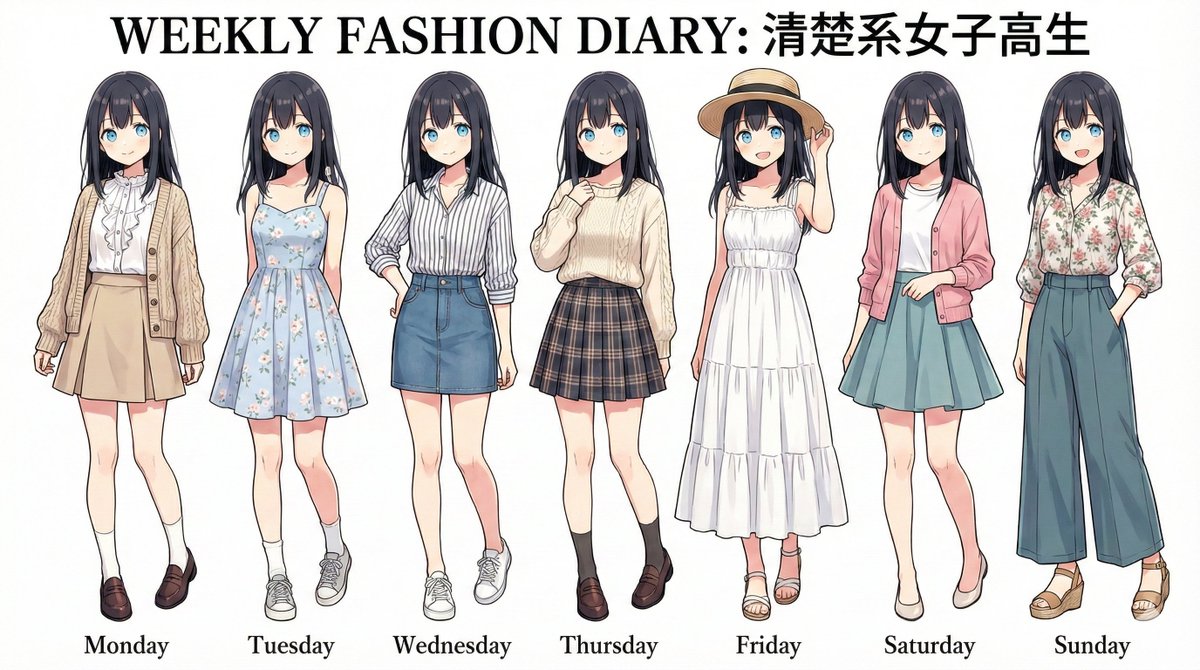
Environment: [Character Features]: High school girl, with long black hair [Fashion Theme]: Modern high school girl's daily wear, neat and clean Conversion Rules: - A fashion styling image showing seven identical characters from [Character Features] standing side by side in a row. - Wearing only 7 brand-new casual outfits based on [Fashion Theme]. - The style of the reference image is perfectly preserved. - They are not wearing [the clothing from the reference image], but seven different outfits according to [Fashion Theme]. Full-body shot. - The background is pure white or slightly ivory. Natural shadows under the feet. The layout of this image looks like it was cut out from a magazine. - Below each figure, from left to right, it reads "Monday," "Tuesday," "Wednesday," "Thursday," "Friday," "Saturday," and "Sunday." - Prominent title text at the top. Art Style: - High resolution - Studio lighting - 4k ——ar 16:9
You may also like
View all





Frequently Asked Questions
What is the "Generate a Week's Outfit Combinations" prompt used for?
This character prompt is designed for AI image generation. It helps create character results and is optimized for Nano banana pro.
How do I use this prompt?
Simply copy the prompt, then paste it into your preferred AI image generation tool. You can customize settings like aspect ratio, style, or negative prompts to refine the result.
Which AI tools work best with this character prompt?
This prompt is specifically optimized for Nano banana pro, but it also works well with other popular image tools.
Can I modify this prompt?
Absolutely. You can customize the prompt to match your creative direction, add or remove elements, refine style descriptors, or combine it with other prompts for unique results.