4,594 views372 copies
0Prompt
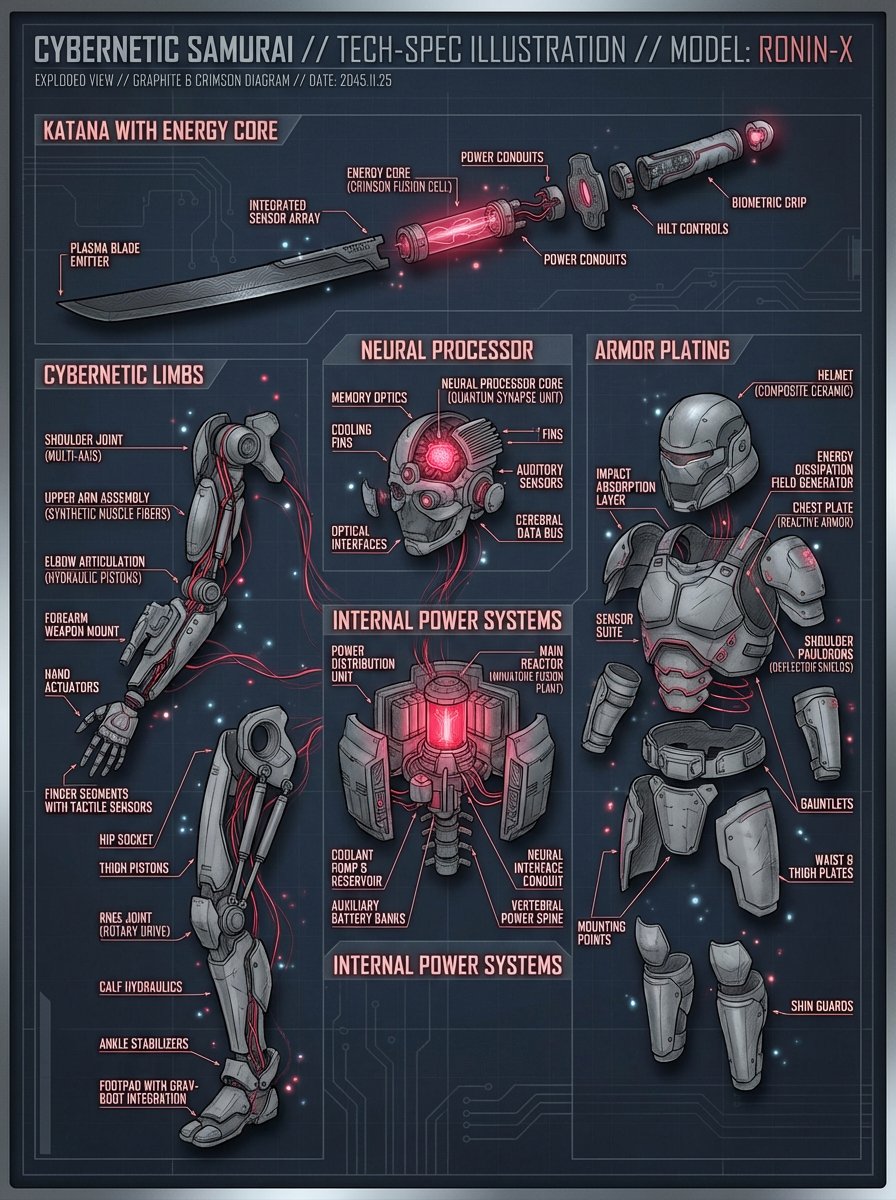
Create a detailed technical illustration of a Cybernetic Samurai, exploded into components: katana with energy core, cybernetic limbs, neural processor, armor plating, and internal power systems. Each part is labeled with clean futuristic font. Use a graphite and crimson color scheme on a dark blueprint background. Add subtle particle glow and depth shadows. Studio render style.
About this prompt
Create a detailed technical diagram of a Cyber Samurai, breaking it down into core components: a katana with an energy core, mechanical prosthetics, a neural processor, armor plates, and an internal power system. Each component is labeled with a clean, futuristic font. The overall color scheme uses graphite gray and deep red, set against a dark blueprint background. Add subtle particle glow effects and layered shadows, presenting the entire piece in a studio-rendered style.
You may also like
View all





Frequently Asked Questions
What is the "Detailed Technical Diagram of a Cyber Samurai" prompt used for?
This futuristic prompt is designed for AI image generation. It helps create futuristic results and is optimized for Nano banana pro.
How do I use this prompt?
Simply copy the prompt, then paste it into your preferred AI image generation tool. You can customize settings like aspect ratio, style, or negative prompts to refine the result.
Which AI tools work best with this futuristic prompt?
This prompt is specifically optimized for Nano banana pro, but it also works well with other popular image tools.
Can I modify this prompt?
Absolutely. You can customize the prompt to match your creative direction, add or remove elements, refine style descriptors, or combine it with other prompts for unique results.