3,384 views74 copies
0Prompt
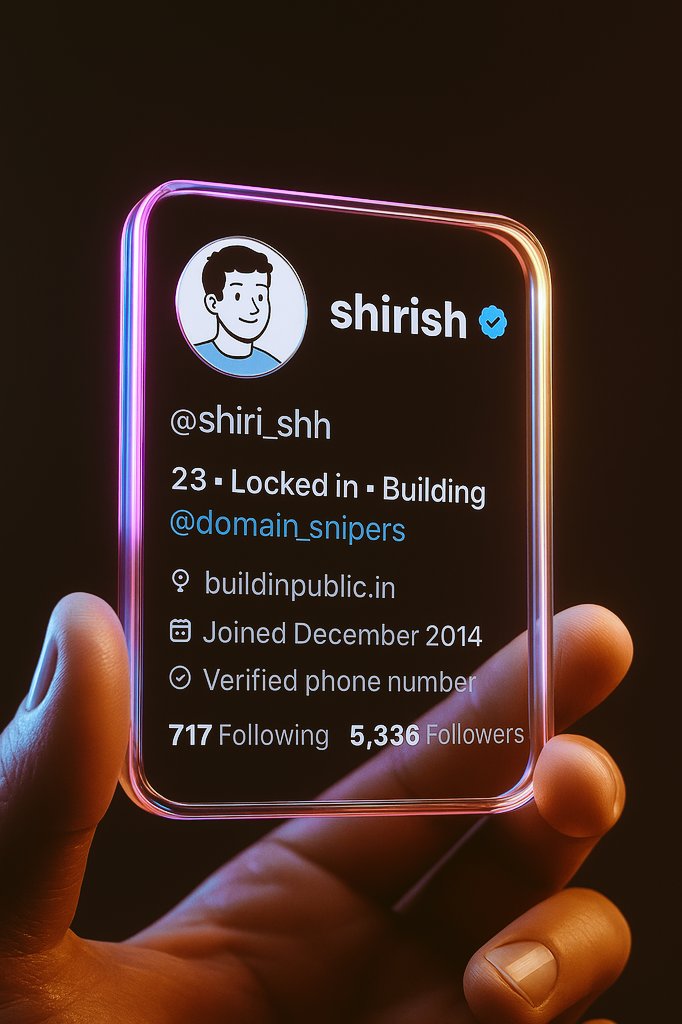
Step 1: Take a screenshot of your Twitter profile. Step 2: Open ChatGPT Step 3: Paste your screenshot and this prompt below Create a hyper-realistic 3D render of a transparent twitter profile card, designed like a futuristic glass ID badge held gently between two fingers. The card should be rectangular with rounded corners, made of clear glossy glass or acrylic, with glowing neon edges in pink, purple, and orange gradient inspired by the twitter color palette. Display the following profile information on the card using modern, minimal sans-serif typography.
About this prompt
Step 1: Take a screenshot of your Twitter profile. Step 2: Open ChatGPT Step 3: Paste your screenshot and the following prompt Create a hyper-realistic 3D render of a transparent Twitter profile card, inspired by futuristic glass ID cards, gently held between two fingers. The card should be a rounded rectangle made of transparent glossy glass or acrylic, with neon-lit edges featuring a gradient of pink, purple, and orange, inspired by Twitter's color palette. Display the following profile information on the card using a modern, minimalist sans-serif font.
You may also like
View all





Frequently Asked Questions
What is the "Creating a 3D Twitter profile card" prompt used for?
This futuristic prompt is designed for AI image generation. It helps create futuristic results and is optimized for nano-banana-pro.
How do I use this prompt?
Simply copy the prompt, then paste it into your preferred AI image generation tool. You can customize settings like aspect ratio, style, or negative prompts to refine the result.
Which AI tools work best with this futuristic prompt?
This prompt is specifically optimized for nano-banana-pro, but it also works well with other popular image tools.
Can I modify this prompt?
Absolutely. You can customize the prompt to match your creative direction, add or remove elements, refine style descriptors, or combine it with other prompts for unique results.